![iam small logo.png]](https://support.iamcompliant.com/hs-fs/hubfs/iam%20small%20logo.png?height=50&name=iam%20small%20logo.png)
This is a premium feature available with a full subscription to iAM Compliant.
Available to Account Owners and users with the User Admin permission.
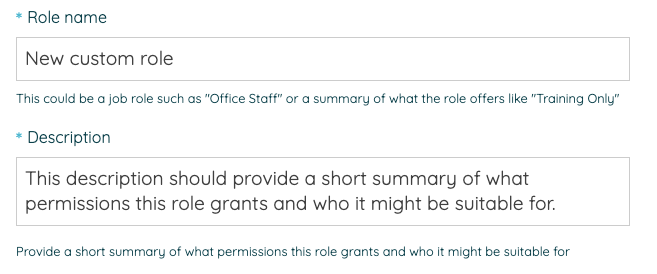
Creating and customising roles gives you greater flexibility over what your users can access and manage within iAM.
You can create new roles tailored to specific responsibilities or customise the permissions of existing default roles to suit your team's needs.
For example, you might want to:
Create an Incident Manager role – Allow someone to manage Incidents without giving them access to Premises.
Create an Auditor role – Give someone access to view information in selected areas without being able to make changes.
What can I customise?
We've broken down iAM into individual features, allowing you to choose the level of access users have to each area.
Depending on the feature, you can give users permission to view information, manage it or restrict access entirely.
When selecting permissions, you'll see helpful guidance explaining what each option allows users to do, so you can choose the right level of access.
-3.png?width=670&height=949&name=image%20(1)-3.png)
Can I customise existing roles?
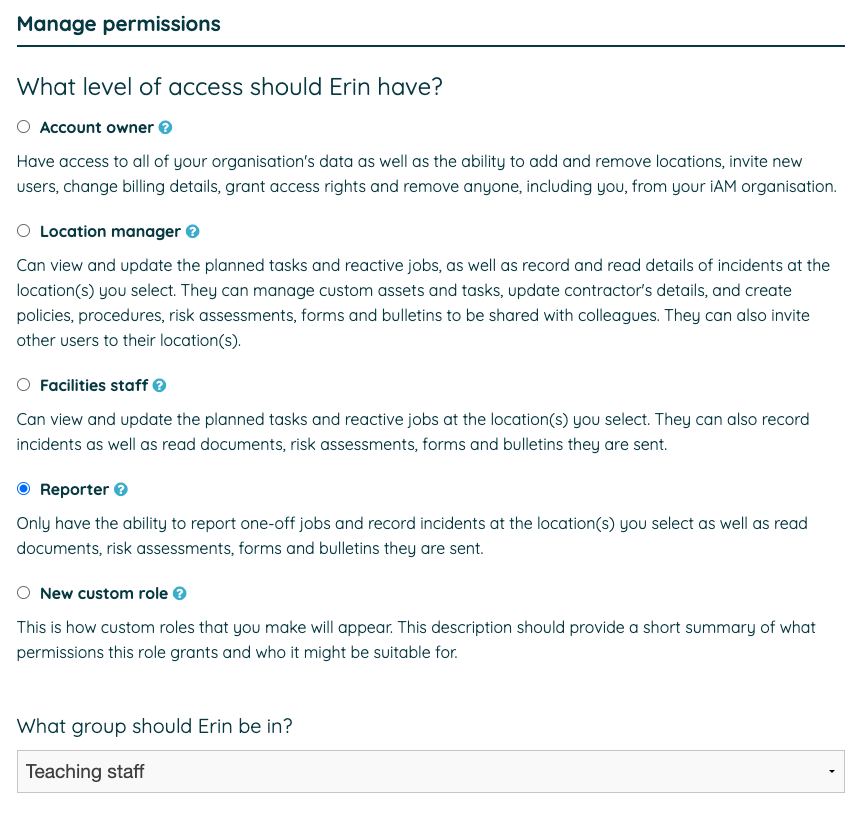
Yes! As well as creating new roles, you can customise the permissions of these default roles:
Location Manager
Facilities Staff
Reporter
This means you can tailor these roles to suit your organisation without needing to create a new role from scratch.
Is there anything that I can't change?
Some permissions will remain restricted to specific global permission levels.
Adding or removing locations and managing billing: Only Account Owners can make these changes.
These restrictions help ensure that key account settings remain under the control of authorised users.
Who is able to create a role?
Account Owners and users granted user administration permissions can create roles. Once a role has been created, anyone with user management access can assign it to a user.
Will my existing users be affected?
Where can I find it?