![iam small logo.png]](https://support.iamcompliant.com/hs-fs/hubfs/iam%20small%20logo.png?height=50&name=iam%20small%20logo.png)
This is a premium feature available with a full subscription to iAM Compliant
A new Users permission allows you to give other users access to manage users, roles and permissions within iAM, without needing to make them an Account Owner. This access can be granted through a custom role, with different permission levels depending on their responsibilities.
To access Roles, click your profile icon in the top-right corner of iAM and select Roles.
If you can't see the Roles option, you may not have the necessary permissions or your subscription may not include this feature. Please contact your Account Owner or email support@iamcompliant.com for further assistance.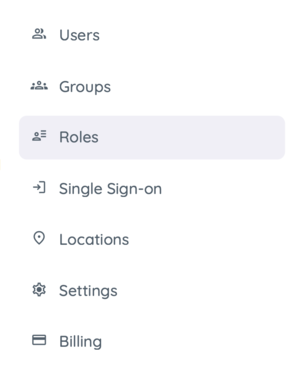
Then click "Add Role", or edit an existing role from the list.
Give the role a name, you could also update the description with the new permission context.
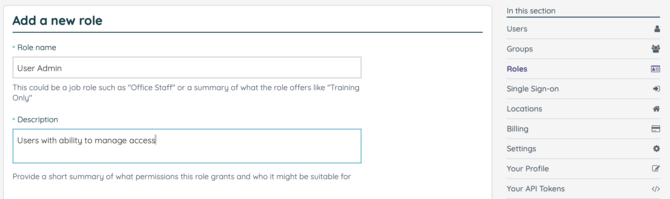
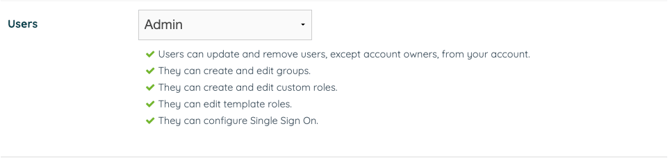
Towards the bottom of the page you will see a permission labelled "Users".
Giving "Manage" access will allow some level of management, whereas "Admin" allows full control over Roles and SSO.
Please contact support@iamcompliant.com if you encounter any issues.